Hop can import a dbt-core project as SQL business tables on a Business Vault model (.hbv). This is a migration on-ramp, not a dbt runtime.
What is imported
-
models/*/.sql— authoring SQL is kept as written (Jinja included) -
Adjacent or folder
schema.yml/*.yml— table description, column notes, config -
macros//.sql—{% macro %}blocks into a Jinja macro library* -
sources:— declared on each table that uses{{ source() }} -
dbt_project.ymlvars:— library defaultvar()values (Hop variables override them) -
Folder
+materialized/+schemaand in-SQL{{ config() }}
How to import
-
Open or create a Business Vault model.
-
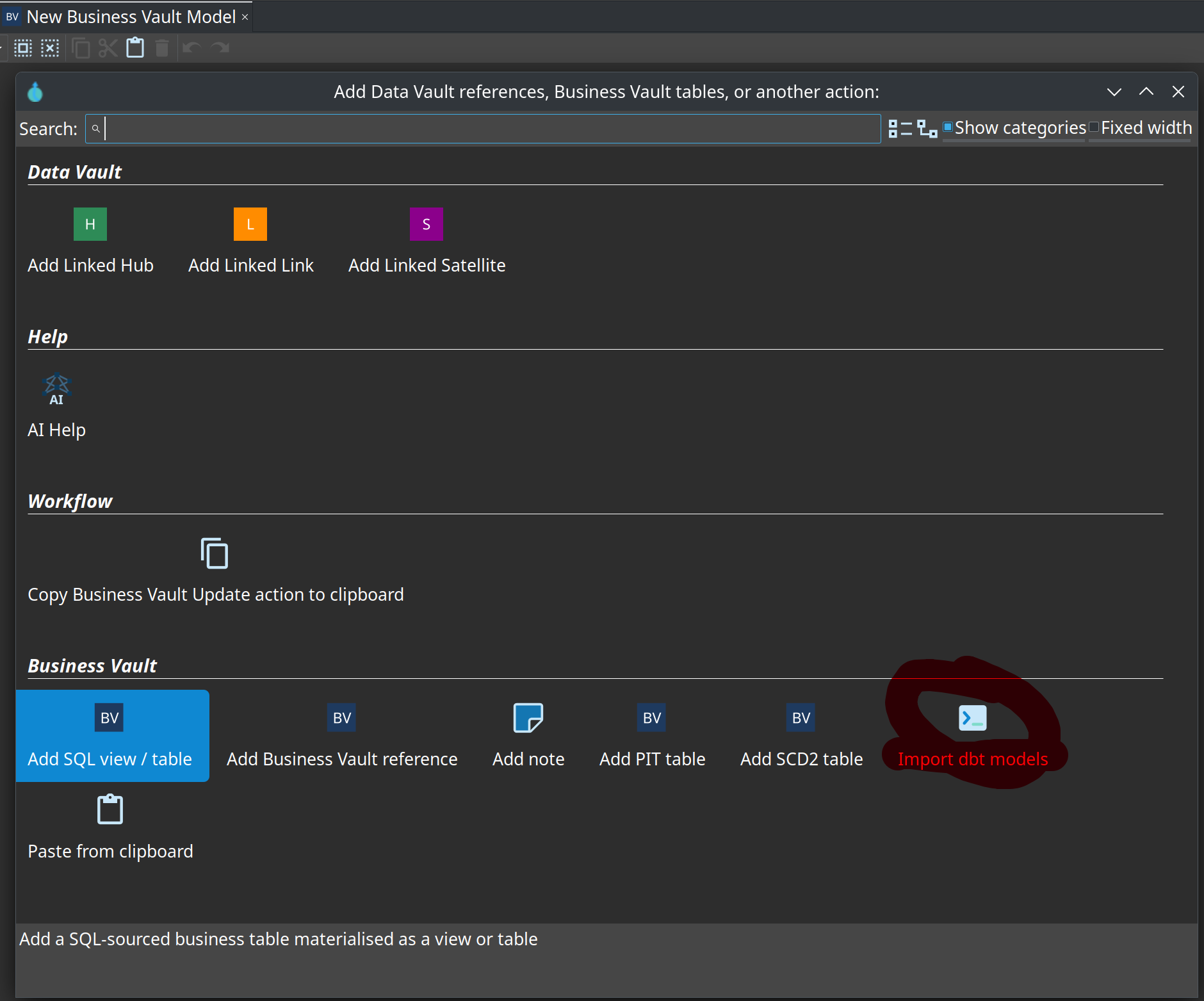
Toolbar Import dbt models, or the same action on the canvas context menu.
-
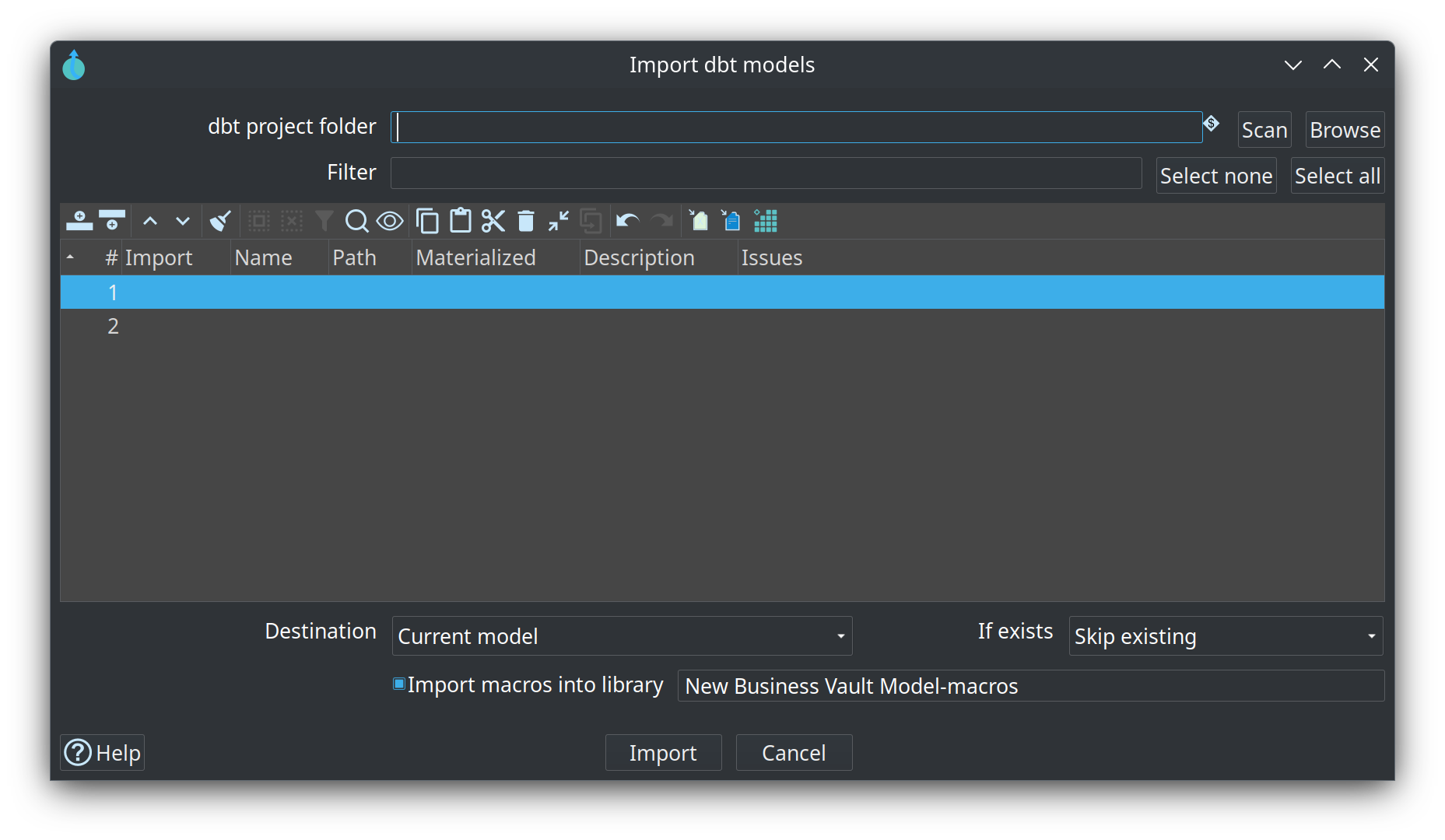
Browse to the folder that contains
dbt_project.yml. -
Scan, filter, select models.
-
Choose destination (current
.hbv, new file, or split by first-levelmodels/folder). -
Import macros into a named library (default
{project}-macros). -
Review the report. Check model on each resulting
.hbv.
Jinja macro library
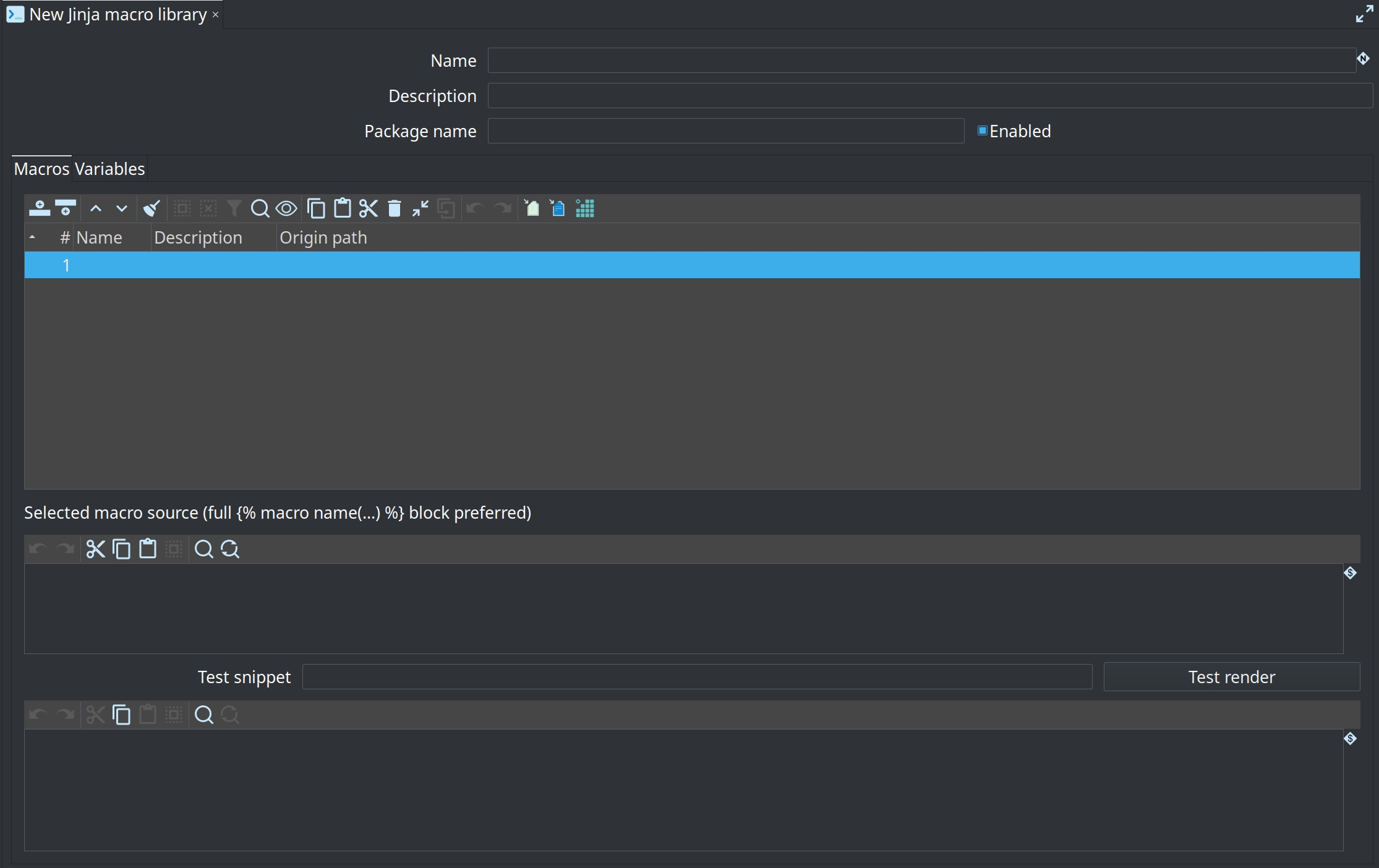
Imported {% macro %} blocks are stored as a Jinja macro library in project metadata (Metadata perspective → EDW). Enable the library, set optional default var() values, and use Test render to expand a snippet with dummy ref / source names.
See Business Vault SQL for how libraries are applied at Check model and materialization.
Materialization map
dbt materialized |
Hop | Notes |
|---|---|---|
|
VIEW |
|
|
TABLE |
|
|
VIEW |
Warning |
|
TABLE |
Full refresh only; |
|
VIEW |
Not inlined as a CTE |
other |
skipped |
Listed in the report |
Snapshots, seeds, analyses, and Python models are skipped.
What will not run unchanged
-
dbt_utils/ other package macros (adapter.dispatch) -
run_query,graph, Relation methods (.identifier) -
Incremental merge logic
-
Per-model
database=(uses the BV target connection) -
Export back to dbt
Those models still import as cards. Check model reports Jinja render errors so you can rewrite them as Hop SQL, SCD2, or pipelines.
SCD2-like dbt models (historization plus CASE / COALESCE / CAST) should not stay as imported SQL. Rebuild them as a BV SCD2 table with Calculations — see Business Vault SCD2.
Workflow action
Import dbt project (IMPORT_DBT_PROJECT) is the headless counterpart of the canvas dialog. Point it at a dbt folder and a target .hbv (or an output folder for split). It imports every importable model. Use this in CI after the canvas import has been proven.
After import
-
Authoring SQL stays Jinja. Generated SQL / BV Update render it with the sandboxed engine.
-
One-arg
{{ ref('stg_customers') }}resolves in the same.hbvor a sibling.hbv/${PROJECT_HOME}/models/*.hbv. -
Optional table schema and dbt origin path are stored on each SQL business table.
-
Column descriptions from YAML appear on the Columns tab (documentation only).
See Business Vault SQL and issue #72.